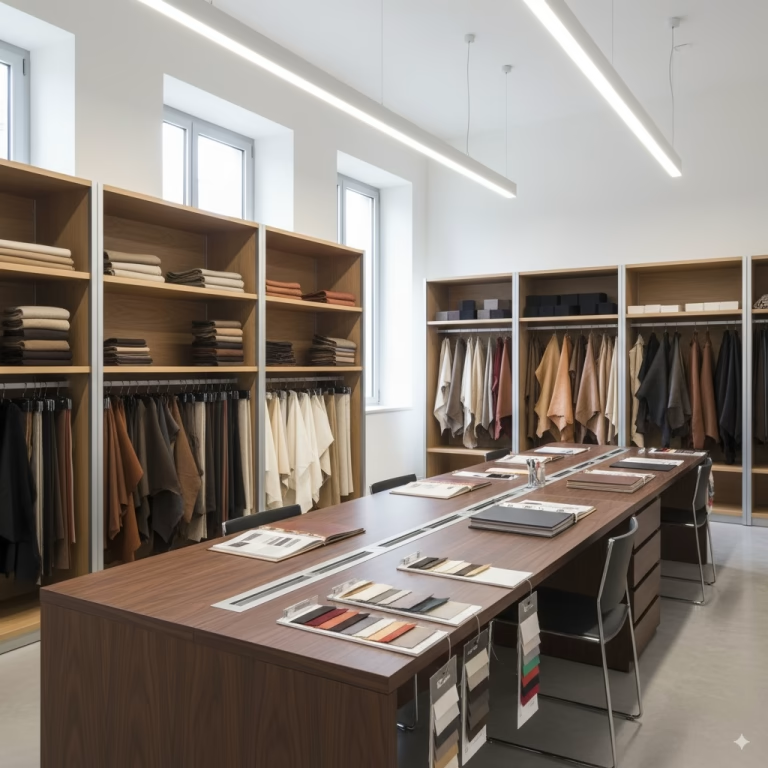
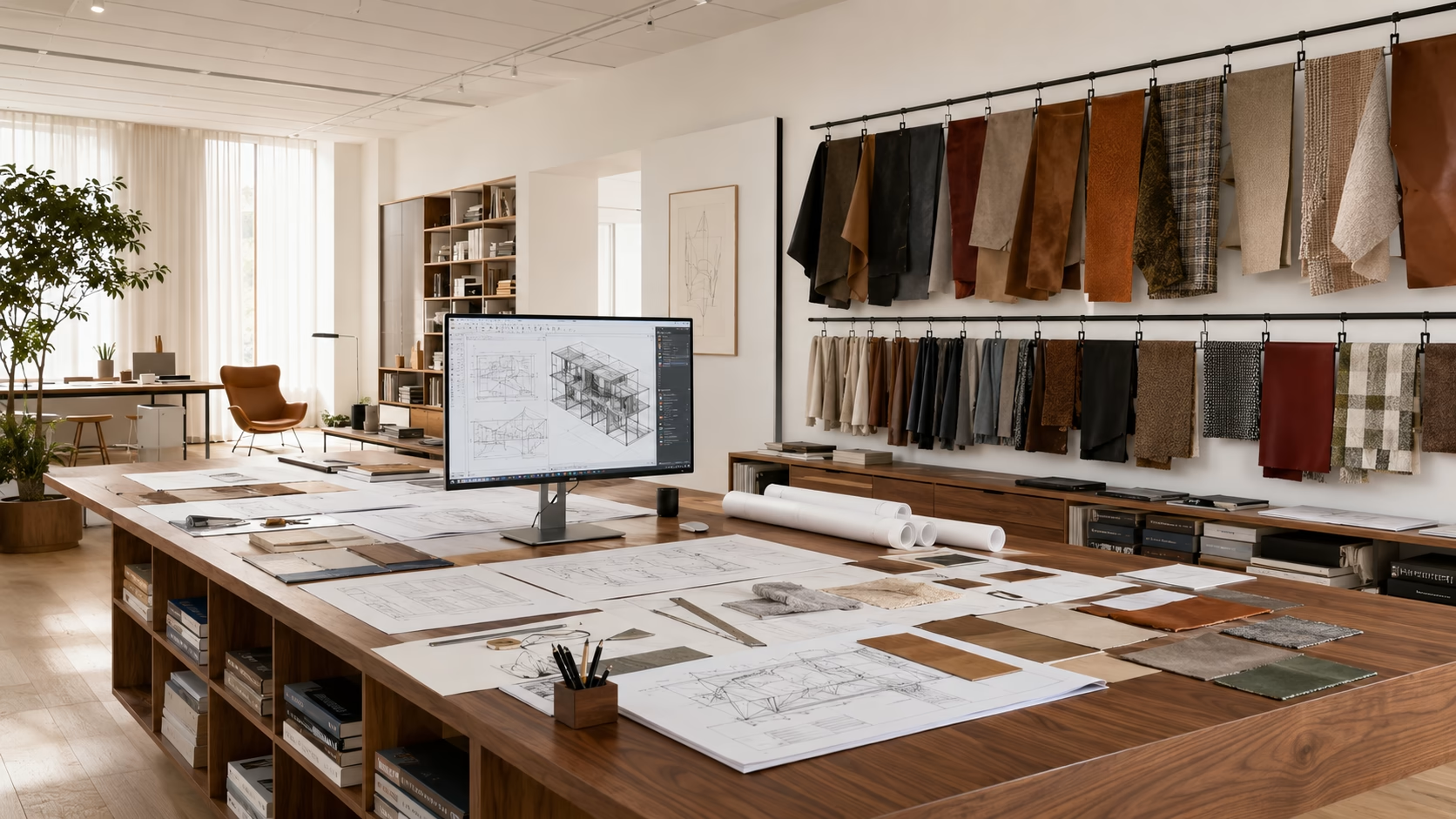
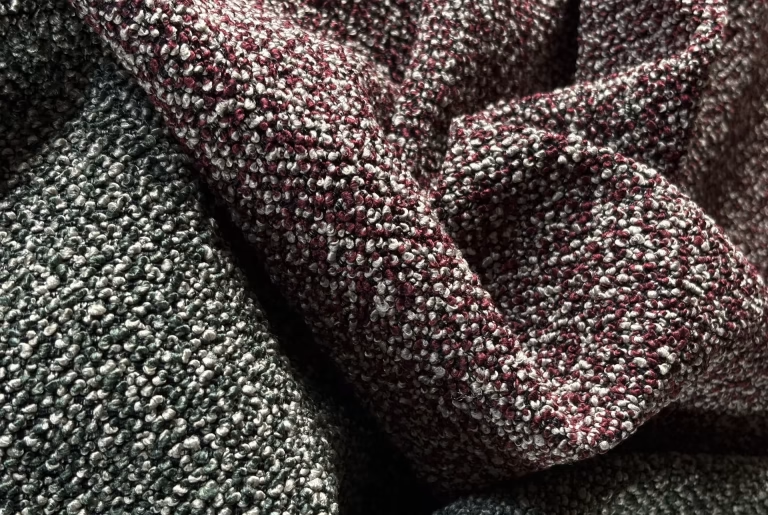
The leather and fabric samples you chose while browsing, gathered as on an architect’s board. When the selection convinces you, request the package: real samples, machine-cut and labelled with product, name and code.
Shipping in 24/48 hours
Throughout Italy · free for businesses and professionals
Background
Your moodboard is empty.
Browse the catalogue and add the colours that inspire you: you will find them here.
Added {n} samples from the shared selection.Added 1 sample from the shared selection.The samples of the shared selection were already in your moodboard.Add at least one sample to download the PDF.Add at least one sample to order it.Add at least one sample to download the image.Add a few samples: then we will shuffle them.The image could not be created: please try again.The PDF could not be generated: please try again shortly.
Your moodboard
Collect colours, try them together, request them.
A personal board where you set aside the samples that inspire you and try combinations — leather and fabric — before ordering.
Add — tap the moodboard icon on the card or on the large sample: the sample flies onto your board (“Moodboard” in the top menu).
It arranges itself — the samples take different shapes (square, rectangle, strip, bean, circle) and are laid out like an architect’s board.
Shuffle — the button above the board changes the shapes and layout of all the samples: press it until you like the composition.
Clean view — hides names, codes and buttons so you see only the colours. Tap a sample to see its own; tap the board to hide them again.
Move — drag the samples across the board to try other combinations: they tilt as you move them.
Rotate — each tap turns the sample by 90°: a rectangle becomes horizontal, and the direction of the material changes.
Enlarge — open the sample full screen to judge its grain and shading.
Shape — each tap moves to the next shape: square, rectangle, strip, bean, circle.
Front and back — bring a sample in front of or behind the others, to overlap them as you would on a table.
Remove — the ✕ takes the sample off the board.
Request — send your selection: we ship the real samples, free of charge, in 24/48 hours.
Download the PDF — “Download PDF”: the image of your composition, then photo, features and certifications of each sample, to keep or to pass on. From the PDF the selection reopens on the website.
Save image — the composition just as it is, on the chosen background, as a JPG: to send to a client or put in a presentation.
Order — “Order materials” opens the order form with the board’s samples already listed: enter the quantities and send.
An example
The architect picks the materials in the moodboard, downloads the PDF and passes it on to the manufacturer. The manufacturer taps “Order these materials” in the PDF: the order form opens with the materials chosen by the architect already loaded. Only the quantities are left.